

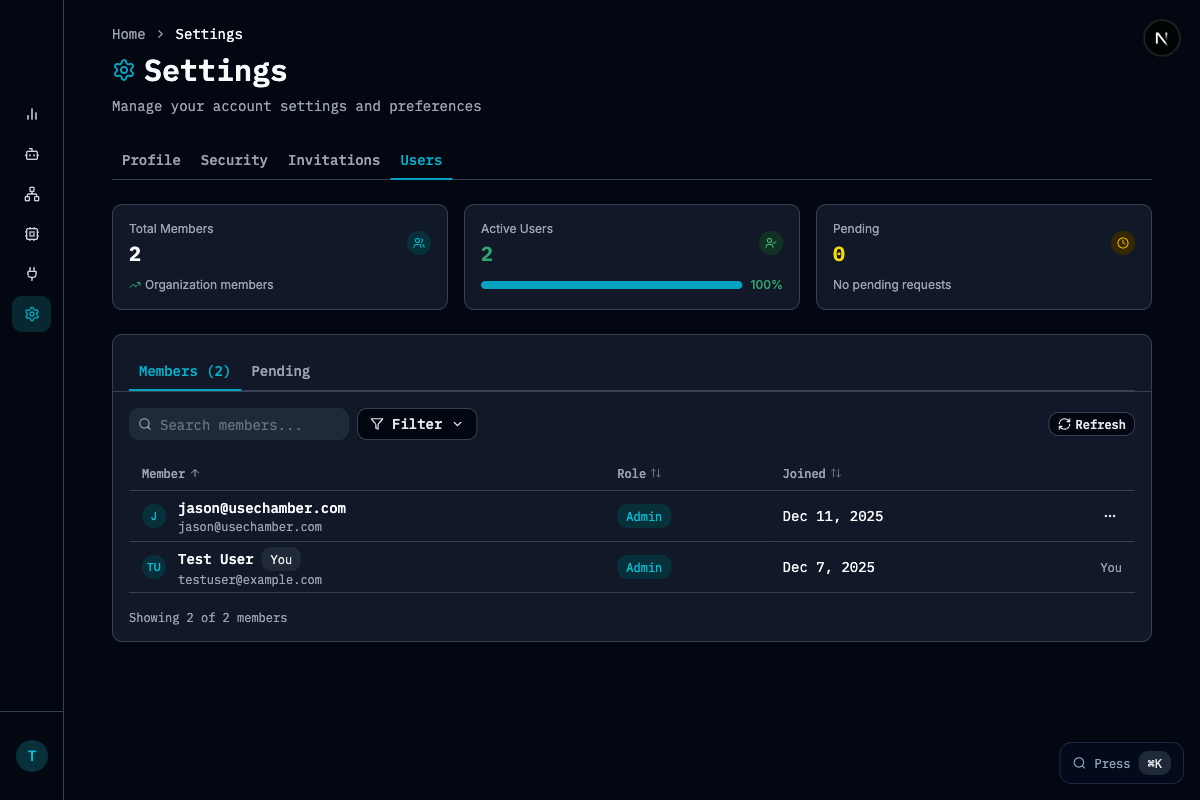
Key Metrics
Features
- Search and filter: Find members by name or email
- Role management: Assign Admin or Member roles
- Invitation tracking: View pending invitations in the Pending tab
- Member details: See when each member joined
Roles
Managing Members
- Navigate to Settings > Users to view all members
- Click on a member to view or edit their details
- Use the Pending tab to manage invitations
Related Pages
Managing Teams
Organize your team hierarchy
Capacity Management
View cluster capacity